iSoundCam logo

iSoundCam


iSoundCam is a smart camera app with sound detection and built-in dB metering. Capture photos or start recording automatically when a loud sound is detected—such as claps, finger snaps, or voice commands.
Features:
Automatically take photos or start video recording when a loud sound is detected.
Adjustable image resolution.
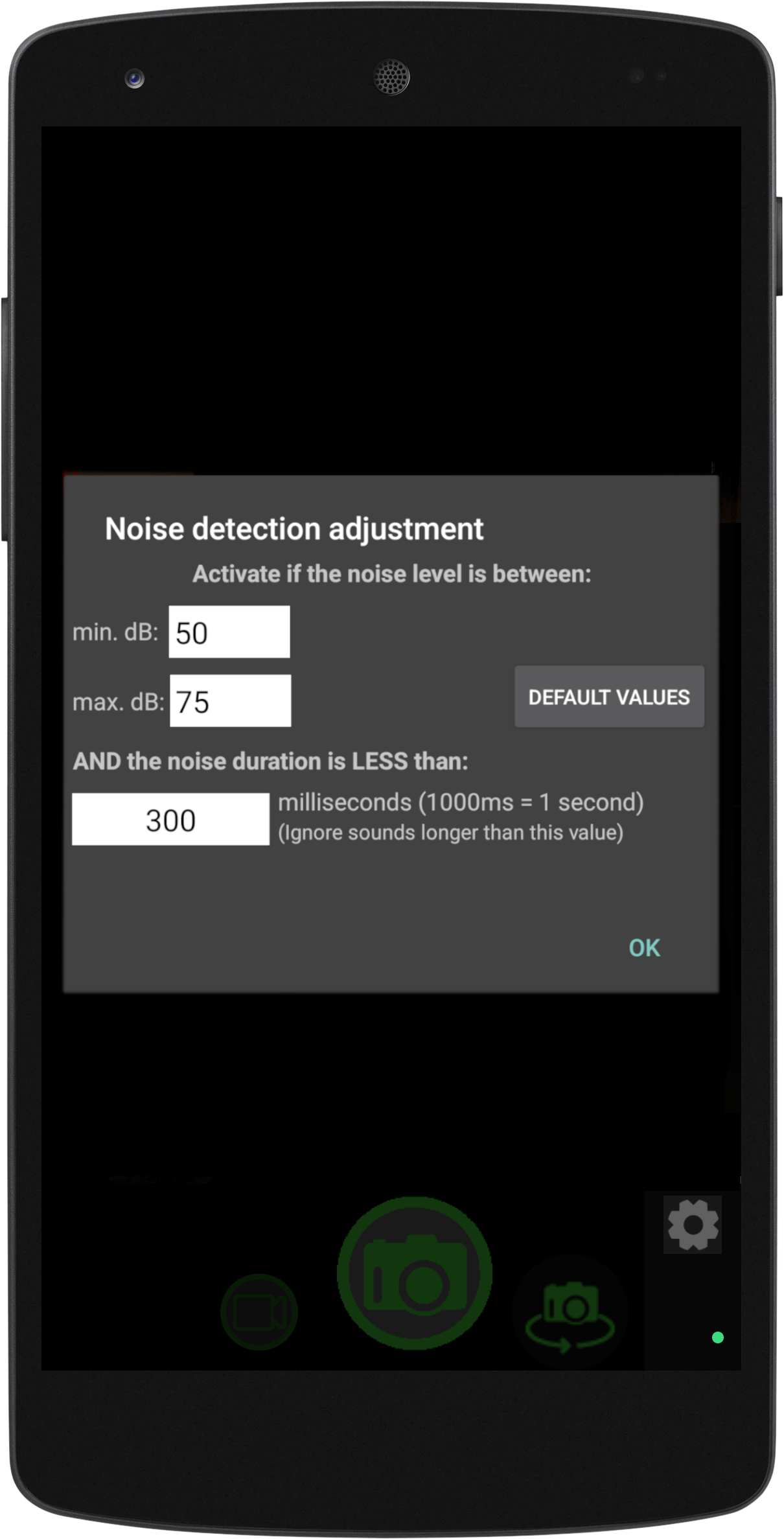
Customizable sound sensitivity range (in decibels).
Set the required sound duration for triggering capture.
Countdown timer for delayed photo or video start.
Repeat mode for continuous automatic photo capture.
Pause and resume video recording; capture photos while recording video.
Set maximum video file duration (in seconds).
Flash modes: Auto, ON, OFF, and Torch.
Fake flash mode using screen brightness—ideal for selfies on devices without a front flash.
Supports both front and rear cameras.
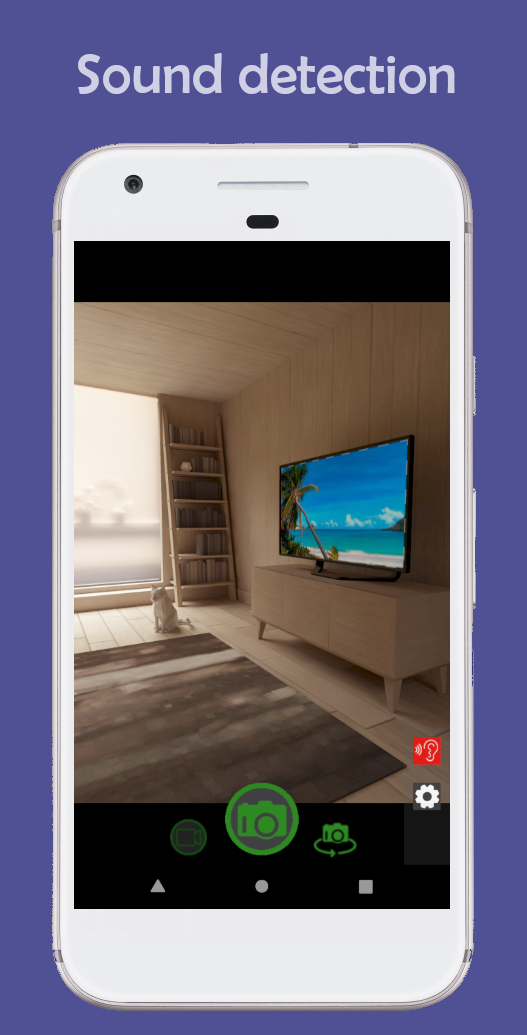
Screenshots

main screen

Main Screen

options

Options

options

Adjustments

Instructions

Tap the ear icon to start sound detection. Once activated, the app begins monitoring noise levels. When a loud sound is detected, the app will automatically take a photo or start recording a video. The current sound level (in decibels) appears in red at the top-left corner while detection is active. You can adjust sensitivity in Settings by defining the decibel (dB) range that triggers the camera. You may also set a maximum noise duration (in milliseconds): shorter sounds will trigger the camera, while longer sounds will be ignored.

Controls:

Tap the screen once to focus.
  • Volume Up: Zoom in.
  • Volume Down: Zoom out.
  • Burst mode: Captures multiple photos in sequence.
    Countdown Timer: Delays recording start by a set time.
    Video Duration: Default is 10 seconds (adjustable). After recording, the app will automatically restart and capture a new video if another sound is detected.
    Silent Mode: Disables the shutter sound (note: not supported on all devices).
    Screen Dim: Reduces screen brightness after 15 seconds to save battery.

    Discover iSoundCam at Google Play Store

    Google Play Store


    Privacy Policy


    Permissions: In detail, iSoundCam requires some permissions in order to work properly. These are:
    Camera permission: Required to enable photo and video recording.
    Storage read/write permission: Required to save the files (photos and video).
    Microphone permission: Required to record video with audio.